Simple Ways to Get a Camera System That Works Well Every Day
If you want dependable security camera installation, start with a clear plan, the right camera spots, solid wiring or signal strength, and careful testing before the job is done. In Alexandria, VA, homes and small businesses can get better video coverage when cameras face the right areas, avoid glare, and stay protected from weather and tampering.
What You Need Before Starting
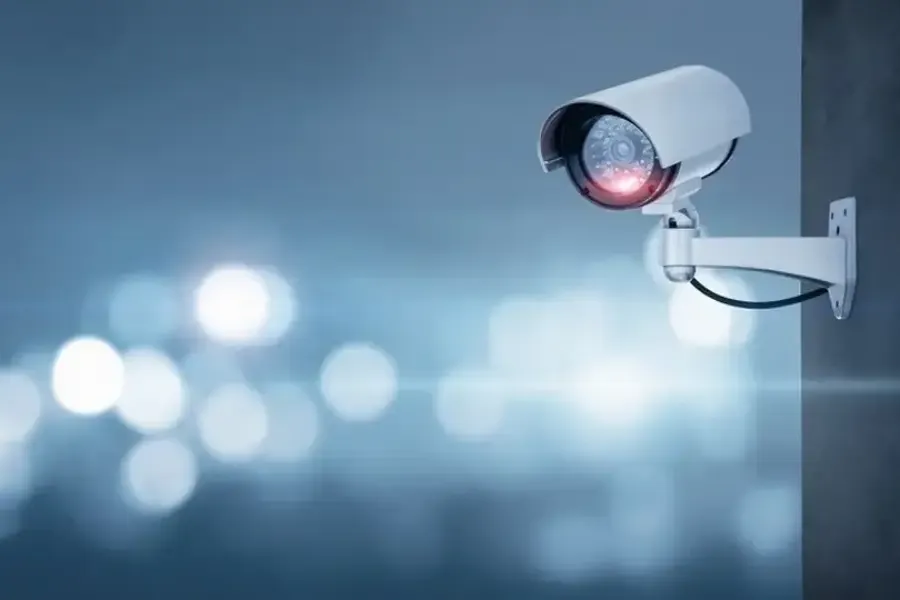
Before any security camera installation begins, it helps to know what you want the system to do. Some people want to watch front doors. Others want to cover parking areas, back gates, or indoor halls. A good setup starts with goals, not just equipment.
You should also check the property layout. Look for entry points, dark corners, blind spots, and places where a camera can mount safely. Think about power access, internet signal, and how far each camera is from the recorder or app connection. This is also a good time to review your service category keyword needs, such as video monitoring, access points, or alarm system add-ons if they fit your property.
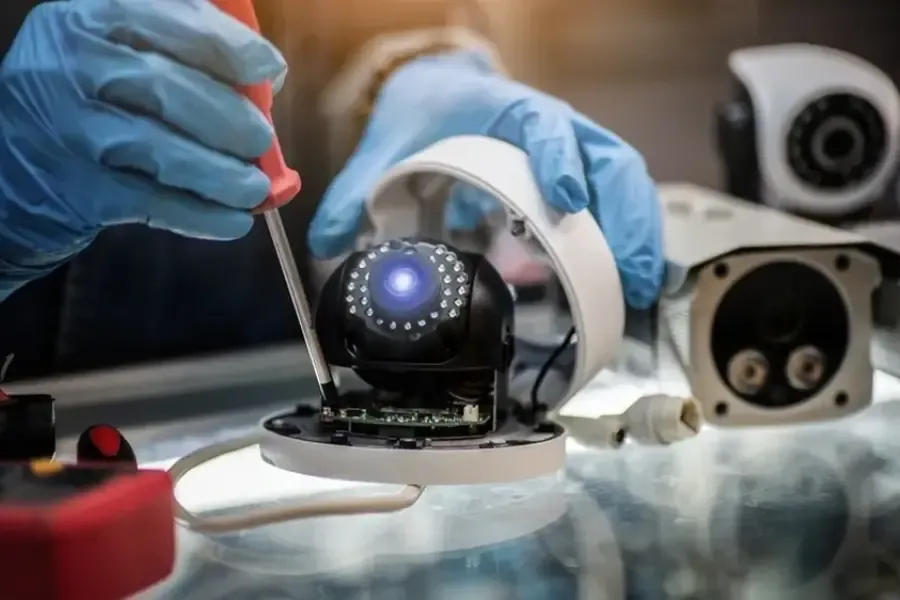
Here are a few basic items to have ready:
- cameras rated for indoor or outdoor use
- mounting hardware and tools
- power supply or charged batteries
- network connection for smart cameras
- mobile app or recorder setup details
- a simple map of the areas you want covered
Step-by-Step Process
A reliable security camera installation usually follows a simple order. Skipping steps can lead to weak coverage, false alerts, or poor video quality.
- choose the main areas to watch, such as doors, driveways, and side yards
- pick mounting spots high enough to reduce tampering but low enough for clear faces
- check lighting during day and night before fixing the camera in place
- test wi-fi strength or cable routes at each camera location
- mount each camera firmly so wind or vibration does not shift the angle
- set the field of view to cover the needed area without pointing into bright sun
- connect power, storage, and app settings
- test motion alerts, live video, playback, and night vision
- adjust angles after real-world testing, not just after first install
This process helps stop many common issues. For example, a front door camera may seem fine during the day, but at night a porch light can wash out faces. A driveway camera may capture cars well, but not license plates, if it sits too high or too far away.
Common Mistakes to Avoid
Many camera problems come from small setup errors. One common mistake is placing cameras only where they are easy to install, not where they are most useful. Another is aiming cameras too wide. A wide view looks nice, but it can make faces and details too small to help.
People also forget about weather. Outdoor cameras need stable mounts and proper sealing near connections. Rain, heat, and dust can wear down parts over time. Bad cable protection can also lead to signal loss or power trouble.
Another problem is poor alert setup. If motion zones are too broad, you may get notices every time a tree moves or a car drives past. Too many false alerts can make people stop checking them. It is better to fine-tune the system around doors, gates, and walkways.
When Camera Placement Matters Most
Placement has a huge effect on how well security camera installation works. A camera over a garage may cover a driveway, but it may miss someone walking up from the side. A back yard camera may show the fence line, but not the gate latch or patio entry. Small angle changes can make a big difference.
Good camera spots often include the front door, rear door, garage, first-floor windows near hidden areas, and any path a person would likely use to approach the property. Inside a building, good choices may include entry halls, cash areas, stock rooms, or shared access points. The goal is not to place cameras everywhere. The goal is to place them where they give useful video.
Testing Your System After Installation
Testing is one of the most skipped parts of security camera installation. It should happen right after setup and again at different times of day. Walk through the covered areas as if you were a visitor, delivery driver, or intruder. Check whether your face is clear, whether motion starts recording on time, and whether the app sends alerts as expected.
Also test playback. A live view is helpful, but recorded video matters just as much. Make sure clips save correctly and stay easy to find. If your system uses CLOUD storage, check upload speed. If it uses local storage, check that the recorder has enough space and stays protected from heat or accidental unplugging.
When to Call a Professional
Some projects are simple, but others need trained help. A professional may be the better choice if your property has multiple buildings, long cable runs, weak wi-fi in key areas, high mounting points, or a need for smart integration. It also helps to call for support if you want cleaner cable routing, better night vision setup, or stronger coverage with fewer blind spots.
Professional help can also be smart when local code rules, business privacy needs, or special mounting surfaces are part of the job. A clean install is not just about getting cameras on a wall. It is about making the whole system dependable for daily use.
Final Recommendation
If you want lasting results, plan first, install with purpose, and test every part before calling the job done. Good security camera installation should give clear views, steady performance, and alerts that help instead of annoy. If you want help with camera placement or system setup in Alexandria, VA, call (703) 596-9215. I can walk you through options that fit your property. My name is MrTvInstaller. If you want a straightforward estimate or advice, contact me anytime.