
Safer Wall Placement Helps Prevent Falls, Screen Damage, and Loose Connections
TV mount installation protects your television by keeping it stable, level, and off unsafe furniture. A strong wall mount can lower the risk of tipping, cracked screens, pulled cords, and damage from bumps at home. It also helps your TV stay in the right position for better viewing and less strain on the frame, ports, and wires over time.
Quick Answer
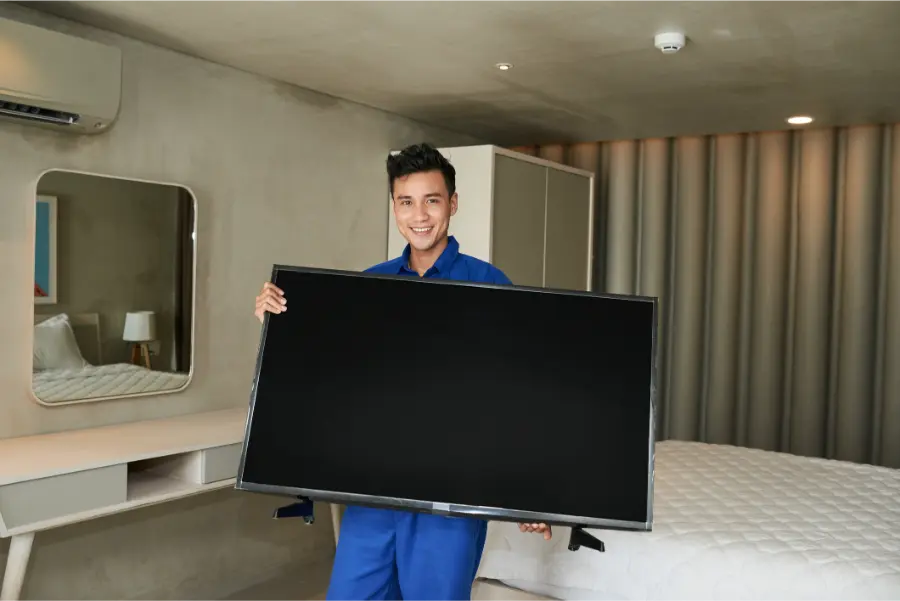
A mounted TV is often safer than a TV sitting on a stand. When the bracket is attached the right way, the screen is less likely to fall or slide. This matters in busy homes with kids, pets, or tight rooms. tv mount installation also keeps cables cleaner and helps stop sudden cord pulls that can damage the power port or HDMI inputs.
What You Need Before Starting
Before any tv mount installation begins, it helps to check the wall type, the size of the TV, and the weight limit of the mount. Drywall alone is not enough for many setups. The mount usually needs to connect to wall studs or another solid surface. You also need the right tools, the right screws, and a bracket that matches the TV’s bolt pattern.
Even though this is part of a service category keyword, the safety steps are the same for most wall-mounted screens. A rushed setup can leave small problems hidden behind the TV. Those problems may get worse later.
- A mount rated for your TV’s size and weight
- A stud finder
- A level
- A drill and correct drill bits
- The right lag bolts or anchors
- Enough space for airflow and cable routing
Step-by-Step Process
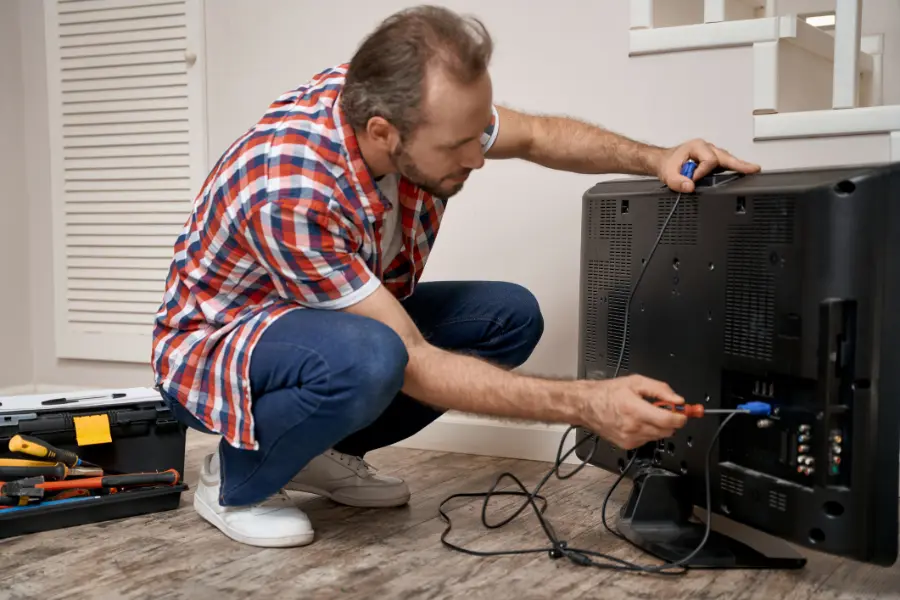
The goal is simple: attach the mount to a strong part of the wall, secure the TV to the bracket, and leave enough room for safe cable access. Done right, this lowers stress on the screen and helps prevent accidents.
- Pick a wall that can support the TV and mount.
- Find the studs or other strong backing.
- Mark the height and bracket holes carefully.
- Use a level so the mount is straight.
- Drill pilot holes in the right spots.
- Attach the wall plate with the correct hardware.
- Secure the mounting arms to the TV.
- Lift and lock the TV onto the wall bracket.
- Check tilt, movement, and cable slack.
- Test the setup gently before regular use.
Each step protects the television in a different way. Stud attachment supports the weight. A level mount keeps uneven pressure off the frame. Proper cable slack helps stop bent ports and loose connections. Good spacing also helps with airflow, which can reduce heat buildup behind the TV.
Common Mistakes to Avoid
Many TV problems start with simple install mistakes. A screen may look fine on day one and still be at risk. That is why careful setup matters so much.
- Mounting only into drywall without strong support
- Using screws that are too short or too weak
- Picking a mount not rated for the TV’s weight
- Placing the TV too high or too low
- Pinching power cords or HDMI cables
- Leaving no room for airflow behind the TV
- Forcing the bracket when parts do not align
These mistakes can lead to a tilted screen, damaged ports, loose hardware, or full wall failure. In some homes, a TV on a dresser or media stand can also be bumped by a toy, vacuum, or swinging door. Mounting helps remove that risk if the bracket is installed the right way.
When to Call a Professional
Some jobs are harder than they look. Large televisions are heavy and awkward to lift. Brick, concrete, metal studs, stone fireplaces, and above-fireplace installs need more planning. A pro can also help when you want hidden wires, a swivel arm mount, soundbar placement, or exact viewing height.
You may also want help if your wall has old materials, unknown wiring, or signs of damage. Drilling in the wrong spot can hit electrical lines or weak framing. A professional setup can save time and help protect the TV from stress, sagging, or a bad anchor point.
Why This Helps Long-Term
Good tv mount installation does more than hold the TV today. It helps the television last longer. Less shaking means less wear on internal parts. Better cable management can protect input ports from repeated pulling. Stable support helps the screen stay aligned, especially with larger models that can twist slightly on weak furniture.
Mounted screens are also easier to place away from high-traffic spots. That can lower the chance of spills, fingerprints, and direct bumps. If a room is small, getting the TV off a stand can create cleaner space and reduce clutter around game systems, sound systems, and streaming devices.
Final Recommendation
If you want to protect your television, tv mount installation is a smart step. It can reduce fall risks, limit cord strain, improve airflow, and keep the screen in a safer position. The key is proper wall support, correct hardware, and careful placement. A neat setup is nice, but safety is the bigger reason this work matters.
Need Help With Your Setup?
If you are in Alexandria, VA and want a safer, cleaner TV setup, I can help. Contact MrTvInstaller to talk about your wall, your screen size, and your goals. Call me at (703) 596-9215, and I will help you find the right next step for your home.